From data to deployed robot.
Config builds the infrastructure behind Physical AI. Loop is one platform that turns real-world demonstrations into deployable, task-specific robot policies — six modules and two engines, used together or on their own.
The Platform
Six composable modules.
One platform, demonstration to deployment. Loop turns real-world demonstrations into task-specific robot policies through six modules. Activate only what you need — nothing forces a linear pipeline.
collect
Plan the scenario, capture at scale.
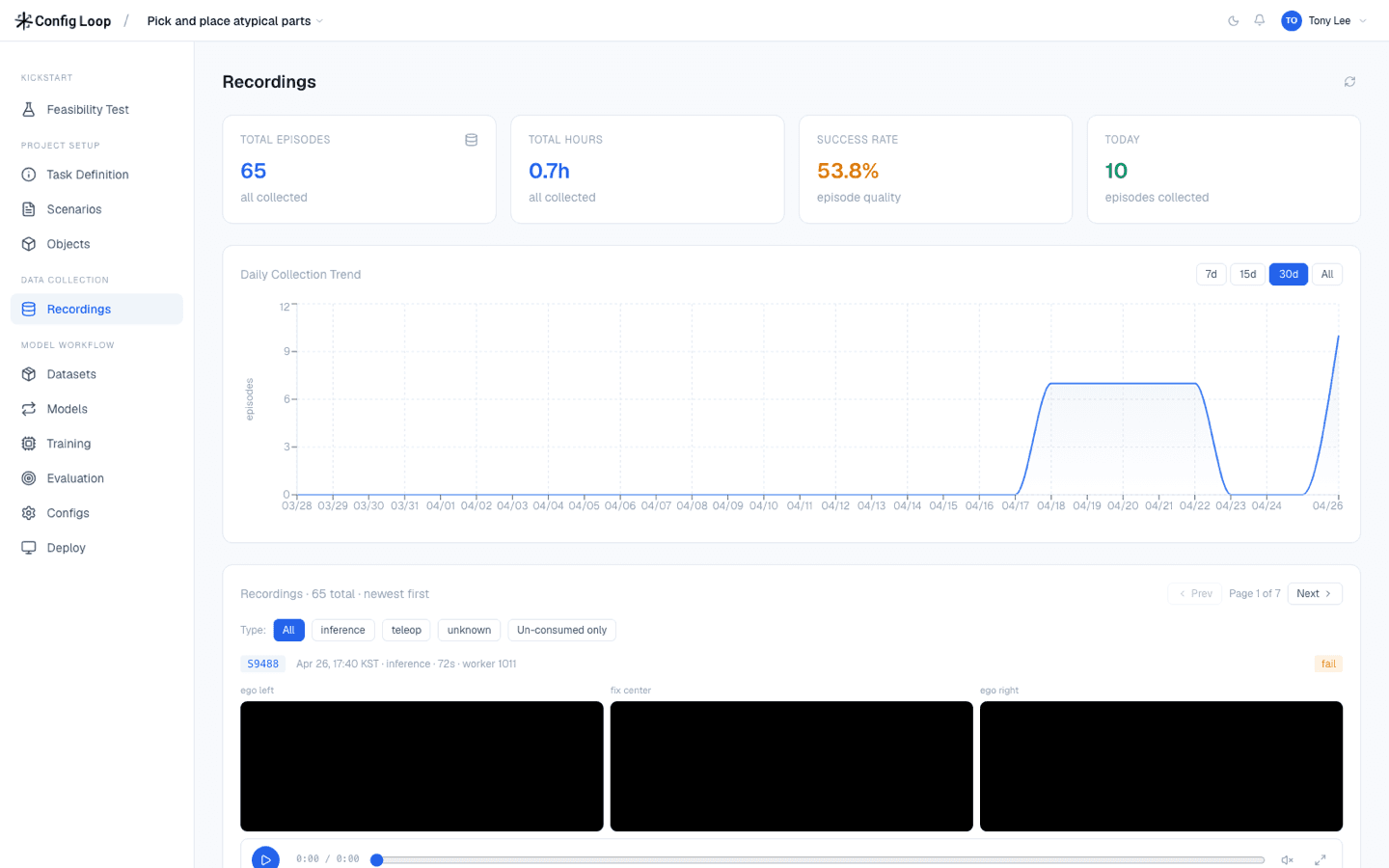
Plan the scenario, then capture multi-camera demonstrations on the desktop Recorder or Loop Mobile — with Config's Data Studio operators or your own team.
curate
Human QA, episode by episode.
Validate, annotate, and postprocess every episode — AI-assisted where it helps — so only clean demonstrations reach training.
convert
Human data, robot-ready trajectories.
Action-label human demonstrations into robot trajectories at micrometer precision — one episode can yield several embodiments. Teleop skips this; it's already robot-native. Powered by the Conversion Engine.
train
Fine-tune a foundation model to your task.
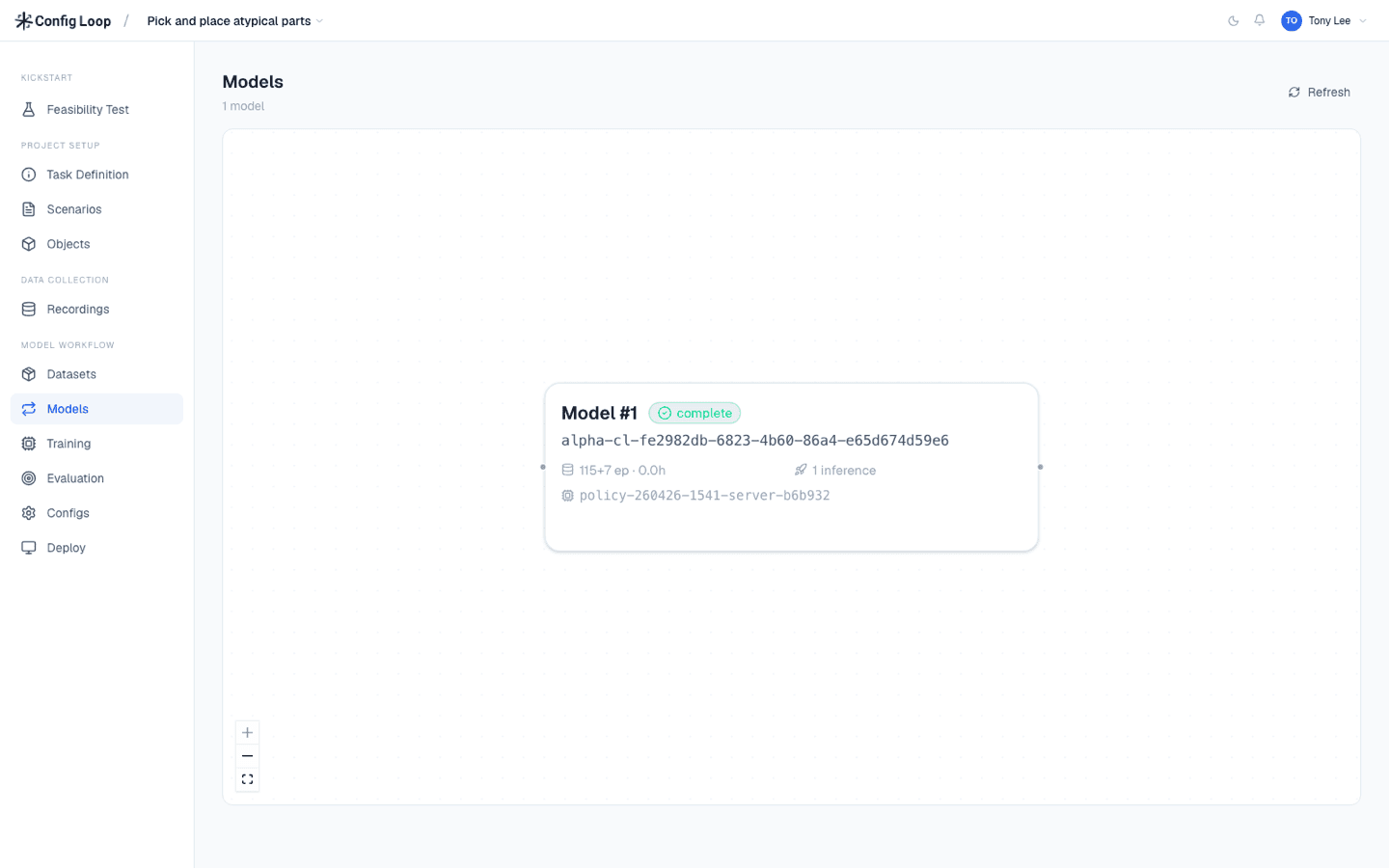
Adapt a foundation model — CFG-1 or an open-source model like Pi 0.5 or GR00T N1.6 — to your task and embodiment. Just 1 hour of teleop data typically reaches 80%+ success. Powered by the Policy Engine.
deploy
Run the policy in real time.
Run your policy on the robot under live inference — under 50ms on a single RTX 5090. Every rollout is recorded as a new episode. Powered by the Policy Engine.
evaluate
Score the rollouts. Close the loop.
The same Curator scores rollouts — sanity check, benchmark, or intervention for RL. Verdicts feed back, and rollouts re-enter as training data for the next cycle.
collect → curate → convert → train → deploy → evaluate · compose freely
The modules are the surface you work in; two GPU engines run the compute-bound modules. The Loop client is the same whether an engine runs on your bench or on a remote server.
Conversion Engine
Powers convert
The GPU server that turns human demonstrations into robot-ready trajectories. Owns the canonical list of supported grippers and embodiments, so converted data lands in the shape your robot expects.
Policy Engine
Powers train + deploy · hosts CFG-1 + open models
The GPU server behind training and live inference. Hosts CFG-1 — or open-source models like Pi 0.5 and GR00T N1.6 — and serves them on your robot, running locally on an RTX 5090-class GPU or on a remote server, reached by the Loop client over an API.
End Effector
2-finger grippers
Dexterous hands
Target Robot
Operation
Data Type
End-effector form factor is your choice. Robot arms are interchangeable, and your gripper doesn’t have to match ours. Pick what fits your task, or talk to us about supporting your hardware.
Inside Loop
Collect to curate.
Capture multi-camera demonstrations, then validate and annotate every episode before it moves downstream.
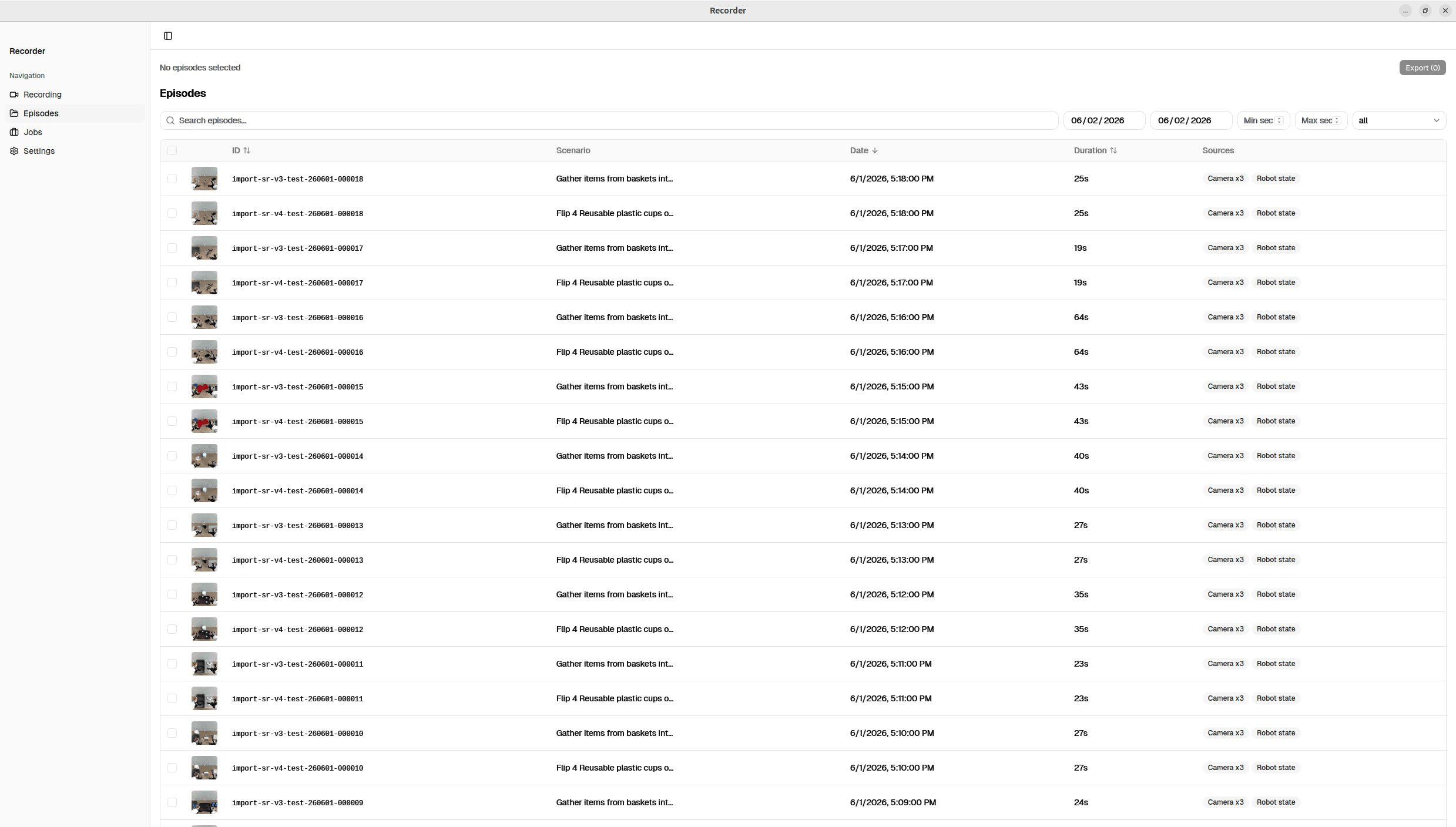
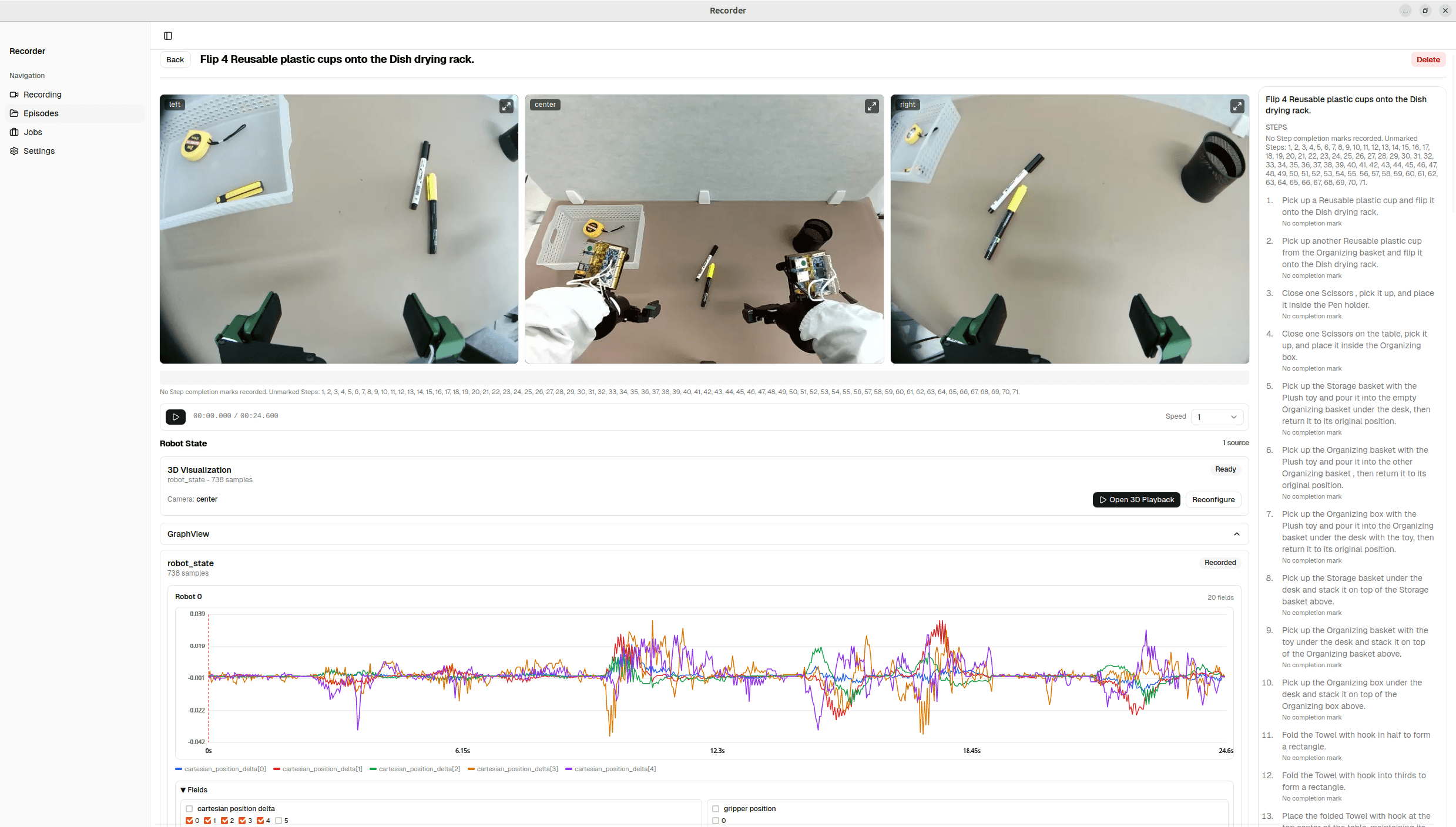
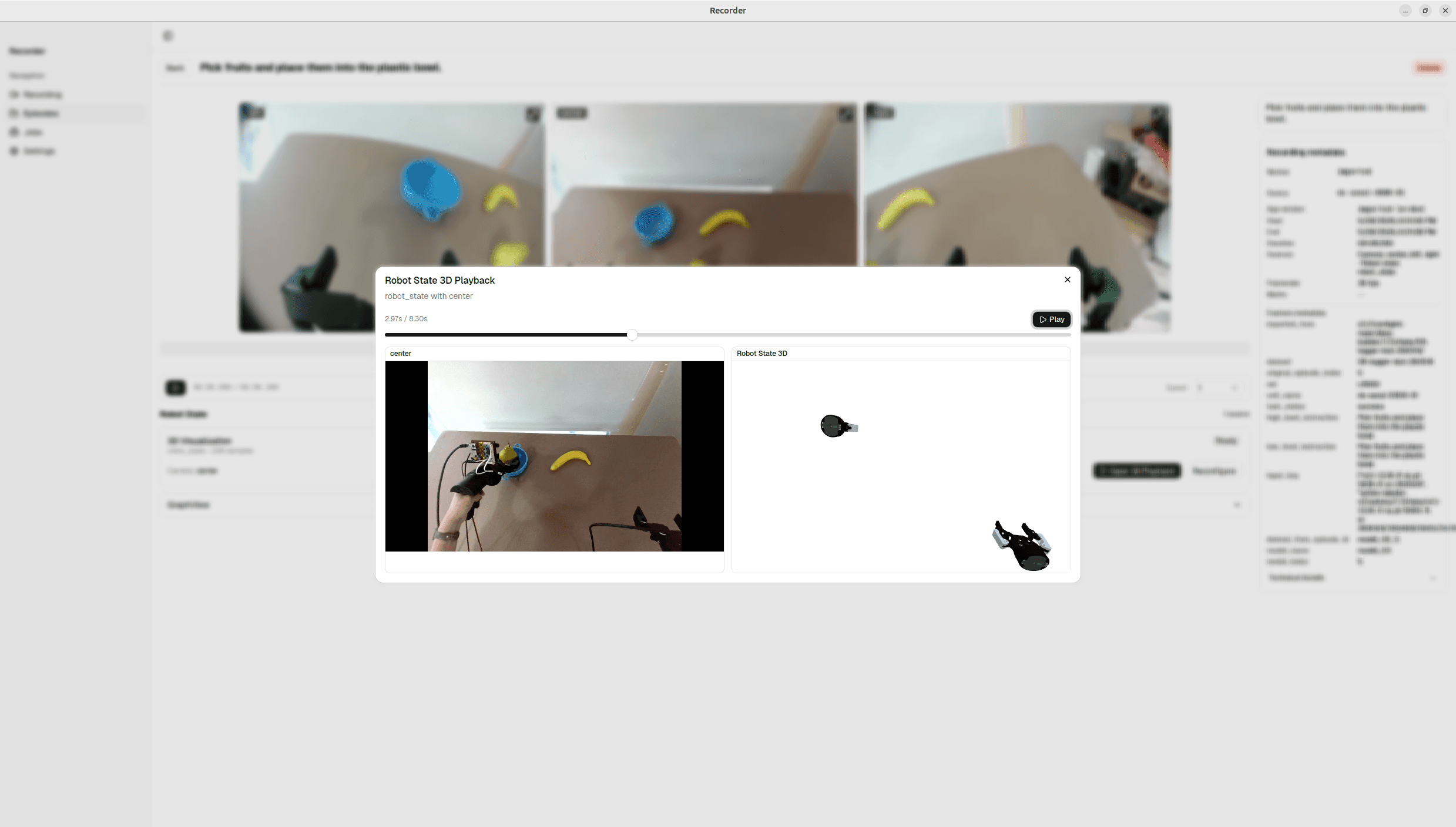
Inside Loop
Train to deploy.
Fine-tune a foundation model — CFG-1 or your own — then deploy it on your robot and keep improving: every correction is signal for the next cycle.
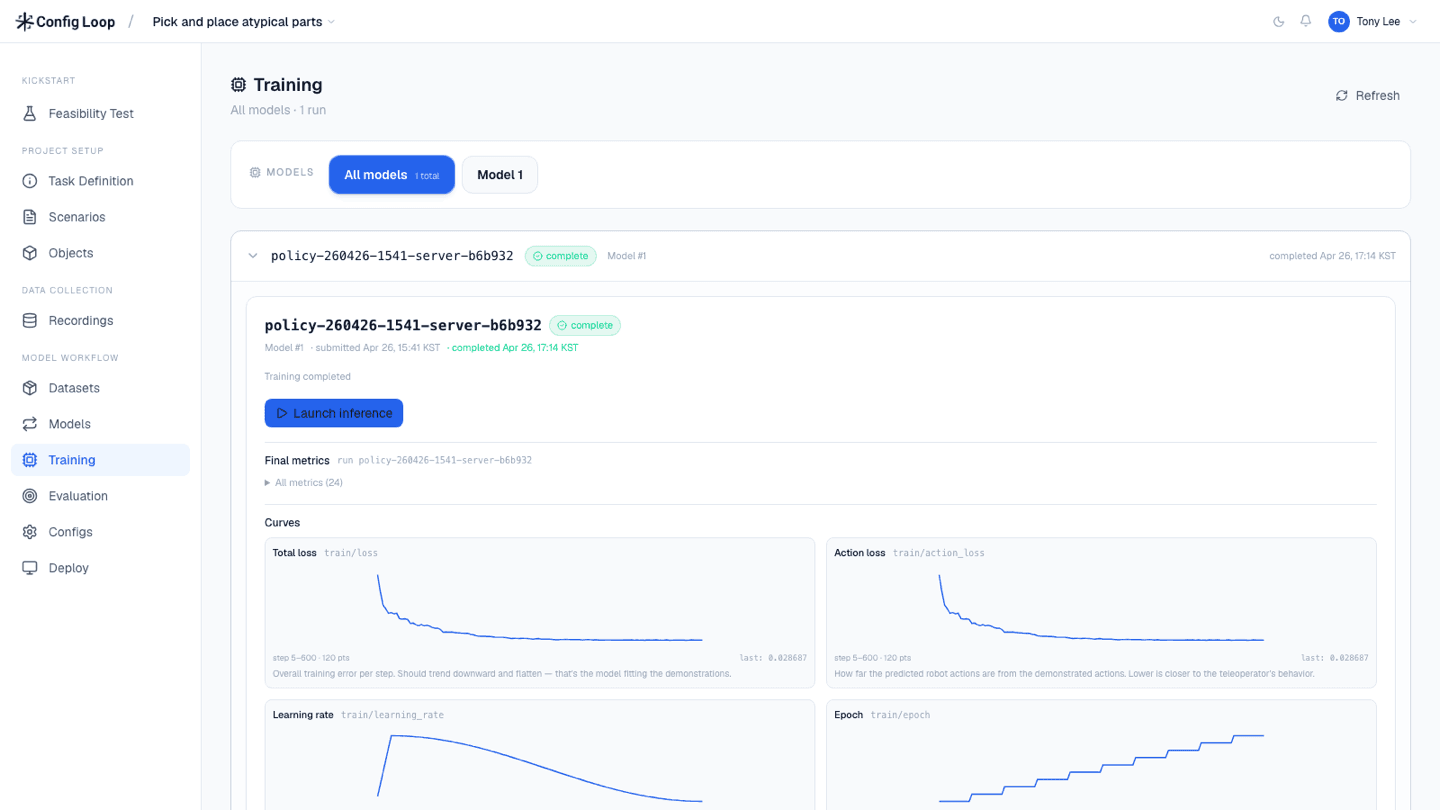
How Loop Works
The full Loop pipeline.
Six modules take you from a real-world demonstration to a deployed robot policy. Two engines do the GPU-heavy work. Use the whole pipeline, or activate only the modules you need.
01
collect
Plan & capture episodes
02
curate
Human QA
03
convert
Human → robot data
04
train
Fine-tune a model
05
deploy
Run & operate
06
evaluate
Score & loop back
Loop is one platform — the client is the same everywhere, and any module runs on its own with data you already have. Catalog is a separate product: ready-made, pre-converted datasets you can buy outright without running any of the pipeline.
How Customers Engage
Engagement models.
One platform, six composable modules — plus ready-made datasets. Pick the entry point that matches where you are, or run the whole pipeline end to end.
- Loop · collect + train + deploy + evaluate
“We need a working robot.”
You're a manufacturer or enterprise with a specific task to automate by fine-tuning a foundation model. Loop takes you the whole way — collect, train, deploy, and evaluate on your hardware.
- Loop · collect + curate
“We need data collected for our robot.”
You have a target robot but no operation to scale data collection. Run collection at Config's Data Studio or on-prem at your site, and take the curated, exported dataset.
- Loop · collect + curate + convert
“We need data collected from humans.”
Like the collect engagement, but using human demonstrations instead of teleop — so we add convert to turn them into robot-ready data for your embodiment.
- Catalog
“We just need ready-made datasets.”
You're building a model or running research and need pretraining-scale data — robot, UMI-style, and human — without operating any pipeline. Order from Catalog by task, embodiment, and volume.
Talk to our team.
Tell us about your task, your robot, or the data you need. We’ll show you how Config fits.